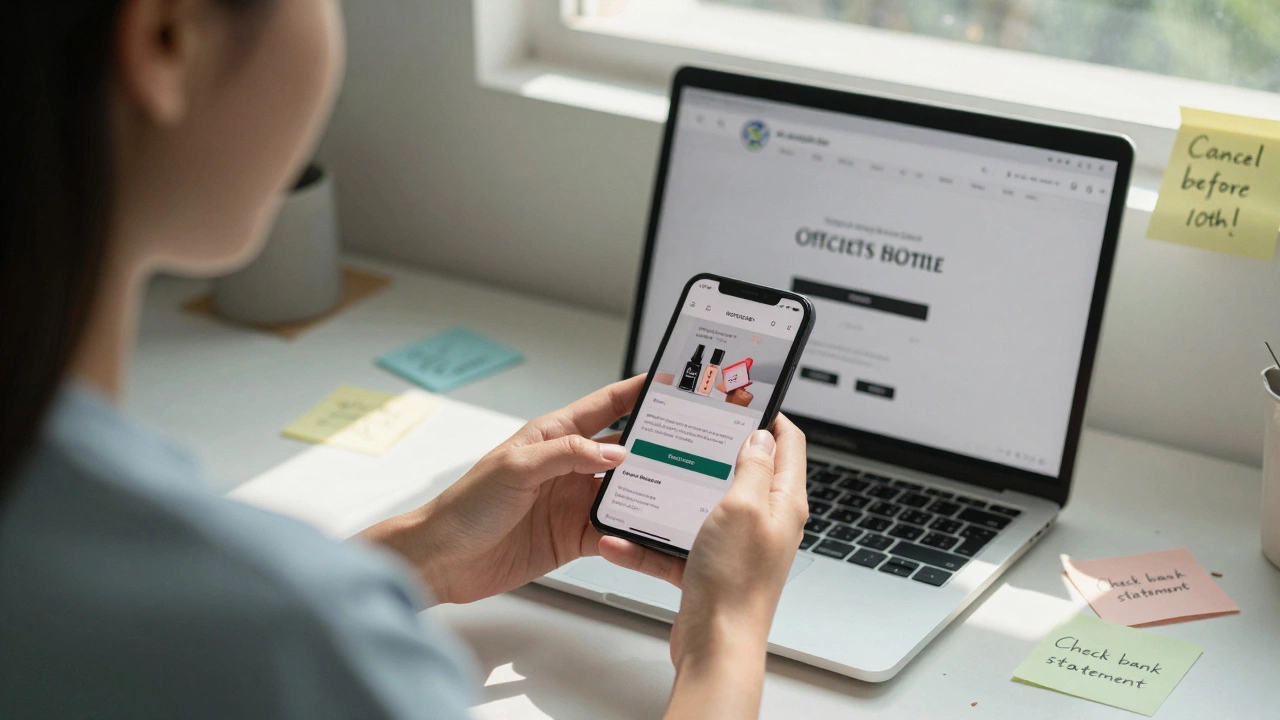
Beauty Box Cutoff Calculator
Check Your Cancellation Timing
Enter today's date and your beauty box provider to see if you'll avoid the next charge.
If you’re tired of getting beauty boxes you never use, or just can’t afford another monthly charge, canceling your beauty box subscription shouldn’t feel like a puzzle. It’s not complicated-but most people get stuck because companies hide the process or make it sound urgent with fake deadlines. Here’s how to actually cancel your beauty box subscription, no matter which one you’re signed up for, and avoid the common traps.
Find Your Subscription Details First
Before you hit cancel, you need to know exactly what you’re canceling. Look for the email you got when you signed up. It usually has a subject like "Welcome to [Box Name]!" or "Your Beauty Box is on the Way." That email will have the company’s customer service link, your account number, and sometimes even a direct cancellation link.If you can’t find that email, check your bank or credit card statement. Look for the charge from the beauty box company-names like "BeautyBox Monthly", "Ipsy Billing", or "FabFitFun". Write down the exact name as it appears. That’s the name you’ll need when you contact them.
Some people assume they can cancel through the app. That’s not always true. Many beauty boxes only let you cancel through their website, not the mobile app. Don’t waste time hunting in the app. Go straight to their official website.
Log Into Your Account
Open a browser on your computer or phone and go to the company’s official website. Type in the full name-don’t Google it. Search engines sometimes show fake support pages or third-party sites that charge you to cancel. Go directly to the site you signed up with.Look for "My Account" or "Log In" in the top right corner. Use the email and password you used when you signed up. If you forgot your password, click "Forgot Password" and follow the reset link sent to your email. Don’t use a different email. The account is tied to the one you registered with.
Once you’re logged in, look for a section called "Subscription", "Membership", "Billing", or "Manage Plan". It’s usually under your profile menu. If you can’t find it, use the site’s search bar and type "cancel" or "subscription". Most sites have a direct link there.
Cancel Before the Cut-Off Date
This is where most people mess up. Beauty box companies ship out monthly boxes on fixed dates-usually between the 1st and 5th of the month. If you cancel after that date, you’ll still get the box and get charged for it.For example, if you’re subscribed to Ipsy, their cut-off is usually the 10th of the month. If today is December 2, 2025, and you cancel before December 10, you won’t get the December box. If you cancel after the 10th, you’ll still pay and still get it.
Check the company’s help page for their specific cutoff. If you can’t find it, call customer service and ask: "What’s the last day I can cancel to skip this month’s box?" Write down the date they give you. Don’t trust a chatbot. Talk to a real person if you can.

Cancel the Right Way
Some sites let you cancel with one click. Others make you go through a long form or even answer why you’re leaving. Don’t get frustrated. Just follow the steps.Here’s what usually happens:
- You click "Cancel Subscription" or "End Membership".
- You’re asked to pick a reason: "Too expensive", "Not interested", "Found another service".
- You confirm your decision.
- You get an on-screen confirmation and an email.
Always wait for that confirmation email. Save it. Some companies say they canceled you, but don’t actually process it until later. The email is your proof.
If the site says "Your subscription will end after your next box"-that’s fine. That means you’ll get one more, but won’t be billed again. That’s normal.
What If They Won’t Let You Cancel?
Sometimes, the website glitches. Or the chatbot says "I can’t help with cancellations" and sends you to a billing department that doesn’t answer. If that happens, don’t give up.Call customer service. Find the number on their official website-usually under "Contact Us". Be polite but firm. Say: "I’d like to cancel my subscription immediately. I’ve tried online but couldn’t complete the process. Can you help me end this now?"
If they say "You’re locked in for 3 months," they’re lying. No beauty box in Australia or the U.S. can legally lock you into a contract longer than 30 days without clear, signed agreement. Most are month-to-month. If they push back, ask to speak to a supervisor. Say: "I’d like to file a formal cancellation request. Please confirm it in writing."
Keep notes: write down the date, time, name of the person you spoke to, and what they promised. If they say they’ll cancel you by a certain date, ask for an email confirmation. If they don’t send it, follow up.
Watch Out for Auto-Renewal Traps
Some beauty boxes hide a trick: they auto-renew even after you cancel if you don’t do it right. You think you’re done, but you get another charge next month.Here’s how to prevent it:
- Check your bank statement 10 days after canceling. If you see another charge, dispute it immediately.
- Turn off auto-pay on your credit card for that company. Go to your card’s online portal, find the recurring payment, and delete it.
- Use a virtual card or prepaid card for subscriptions. That way, even if they try to charge you again, it fails.
Companies like Birchbox and FabFitFun have had complaints about this. Don’t assume they’re trustworthy just because they’re popular.
What Happens After You Cancel?
Once you cancel, you won’t get billed again. You might still get the next box if you canceled after the cutoff date-that’s normal. But after that, no more boxes. No more emails. No more "Last Chance to Save!" messages.Some companies send a survey: "Why did you leave?" You don’t have to answer. But if you do, be honest. It helps them improve. You can say: "Too many products I don’t use" or "Not worth the price."
Your account might stay active for a few weeks so you can view past orders. After that, it gets archived. You won’t be able to log in again unless you re-subscribe.
Alternatives to Canceling
Before you cancel, ask yourself: Is this really the problem?Maybe you’re getting boxes you don’t like because your profile is outdated. Try updating your preferences. Tell them you hate fragrance, or you only want vegan products. Many boxes let you skip a month without canceling. That’s a better option if you just need a break.
Some services let you downgrade to a cheaper plan. Ipsy has a $10 plan instead of $15. Birchbox lets you choose fewer items. You might save money without losing the experience.
Canceling isn’t the only move. Sometimes, tweaking your settings works better.
Can I cancel my beauty box anytime?
Yes, you can cancel at any time. Most beauty boxes are month-to-month with no long-term contracts. But to avoid being charged for the next box, you must cancel before the company’s cutoff date-usually between the 1st and 10th of the month. Check your account or contact customer service for the exact date.
Will I still get my next box if I cancel?
If you cancel after the cutoff date, you’ll still get the box for that month and be charged for it. That’s because the box was already packed and shipped. If you cancel before the cutoff, you won’t receive the next box. Always check the cutoff date when you cancel.
How do I know if my cancellation went through?
You should get a confirmation email within 24 hours. Also, check your account dashboard-it should say "Subscription Cancelled" or "Next Billing: None." If you don’t see that, call customer service and ask for written confirmation. Save the email as proof.
Can I pause my beauty box instead of canceling?
Yes, many services let you pause for one or more months. Look for a "Skip Month" or "Pause Subscription" option in your account. This is a good choice if you’re going on vacation or just need a break. You won’t be charged, and your subscription will resume automatically after the pause.
What if I get charged after canceling?
Dispute the charge with your bank or credit card company immediately. Provide the cancellation confirmation email and the date you canceled. Most banks will reverse the charge if you act within 60 days. Also, contact the beauty box company and demand a refund. Keep records of all communication.
Next Steps
If you’re ready to cancel, start today. Don’t wait until tomorrow. The cutoff date is your enemy. Log into your account right now, find your cancellation page, and hit the button. Then check your email for confirmation.If you’re not sure which box you’re subscribed to, check your bank statement. Look for recurring charges from beauty companies. Write them down. Then go to each one and cancel them one by one.
And if you’re thinking about trying another box later, wait a few months. You’ll save money and avoid impulse sign-ups. You don’t need a new box every month to feel good about your routine.
 Skincare